Preface#
In this post, I’ll talk about the market, resources, ecosystem, and development process from the perspective of an indie developer. As a shameless plug, I’m using Gantt Planet as my running example: URL. I’ll admit upfront that these are just my side projects — the pressure is very different from someone who makes a living off this — so I’m only discussing the research approach here.
The Spark and the Stall#
The idea behind Gantt Planet was simple: free Gantt chart tools — whether desktop software, mobile apps, or web apps — are all pretty terrible to use. The ones that actually seem decent all charge money, so I figured I’d just build my own Gantt chart app.
It didn’t take long before I realized things weren’t that simple:
- Viewing a spreadsheet-style Gantt chart on a phone screen is way too cramped
- A proper Gantt chart needs to connect to a ton of resources — email, contacts, meeting rooms, and so on
Solving either of these problems is expensive. You’d need to spend a huge amount of time fine-tuning the UI and designing ideal usage flows, while accepting that some workflows simply can’t be integrated and have to be dropped.
As for resource integration, you’d need to handle sign-ins for all major platforms, deal with countless APIs and authentication protocols, and maintain all of it going forward.
At this point, I hit a wall — and when you’re working at a scale that doesn’t benefit from economies of scale, that’s pretty much inevitable.
Pivot After Pivot#
In moments like this, I like to take each factor and extend it a step or two outward, looking for a viable intersection where things might actually work.
As a developer driven by personal interest, “viable” means extremely low cost, plus a value proposition that’s small but clearly defined.
AI helped me achieve the first part — extremely low cost.
As for the value part, it’s mostly self-defined, though bouncing ideas off AI can help crystallize things too.
For me, it mainly comes down to building something I’d actually want to use — something I’d enjoy looking at, at the very least. Beyond that, if nobody else has done it, there’s no free version, or there’s a clear differentiator, that counts as value too.
At this point, I started wondering: is there something that’s like a Gantt chart, but not really a Gantt chart?
And then a picture formed in my mind.
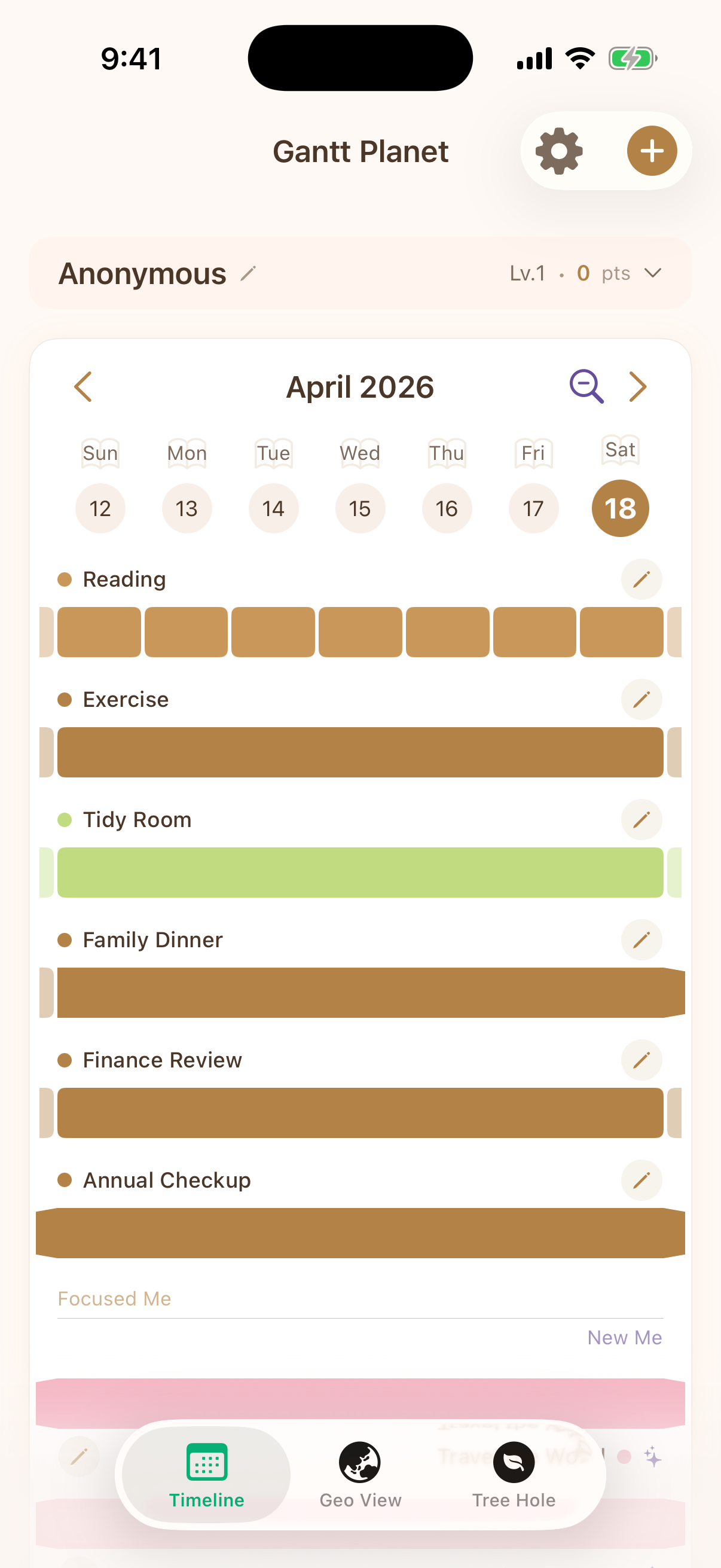
I remembered that when I use Gantt charts, I tend to put the more important items further down.
The bottommost item is usually the big-picture condition for completing the entire project — or it represents the project itself.
But what if there were items even below that bottom row — items even more important? What would those be?
Well, there are plenty of things more important — they just have nothing to do with work. They’re about me. About life.
And so it clicked: I wasn’t going to build a regular business Gantt chart. I was going to build a life Gantt chart.
The Next Step#
So I decided to build a Gantt chart that departs from the typical business use case.
This conveniently meant I no longer needed to integrate with online services,
because now it was all about the user — just them, and nothing else.
With that, I’d taken one more step forward and kept the project alive for the time being. But could it lead to enough substance to be complete?
I thought about self-management and the important-but-not-urgent things in life — they all have rhythms and frequencies.
Health matters, so companies do annual check-ups. Family matters, so you make sure to see your loved ones before too much time passes.
Combined with the nature of Gantt charts, within any given time window, items overlap on the current day.
And if you consider the span of an entire lifetime, every item is potentially relevant today. That meant I could collapse everything onto the center line of the UI.
This solved the cramped UI problem while expressing a set of values I found genuinely meaningful.
Completeness#
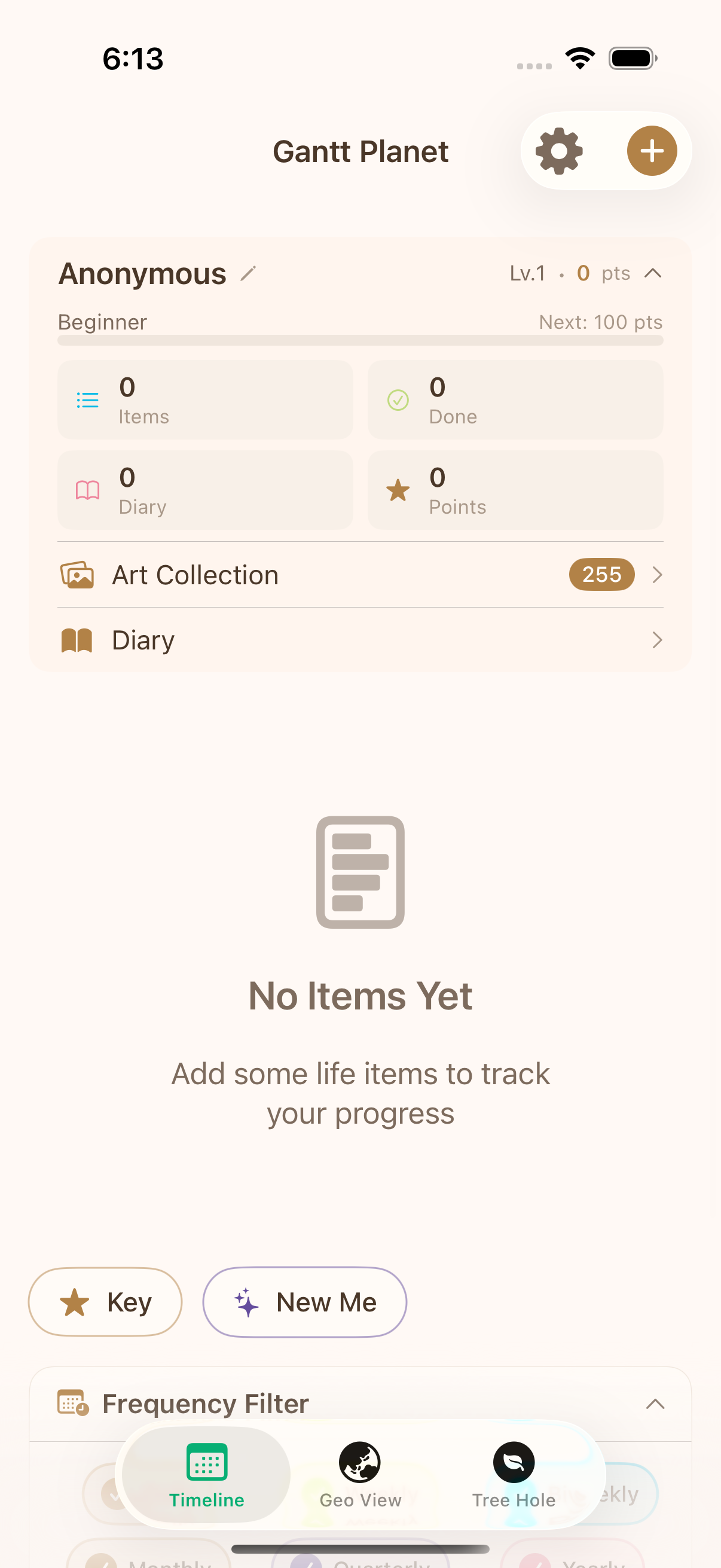
One of the App Store review guidelines is that your app can’t just replicate what a plain text webpage could do.
For example, a simple to-do list might not pass muster. So I had to make sure this app was more than just a spreadsheet — otherwise, Google Sheets could do the same thing.
The top-to-bottom visual flow of the spreadsheet reminded me of digging downward — like each day you only do the bare minimum surface-level tasks. There’s a Chinese idiom, “people floating above their work,” that captures this state perfectly.
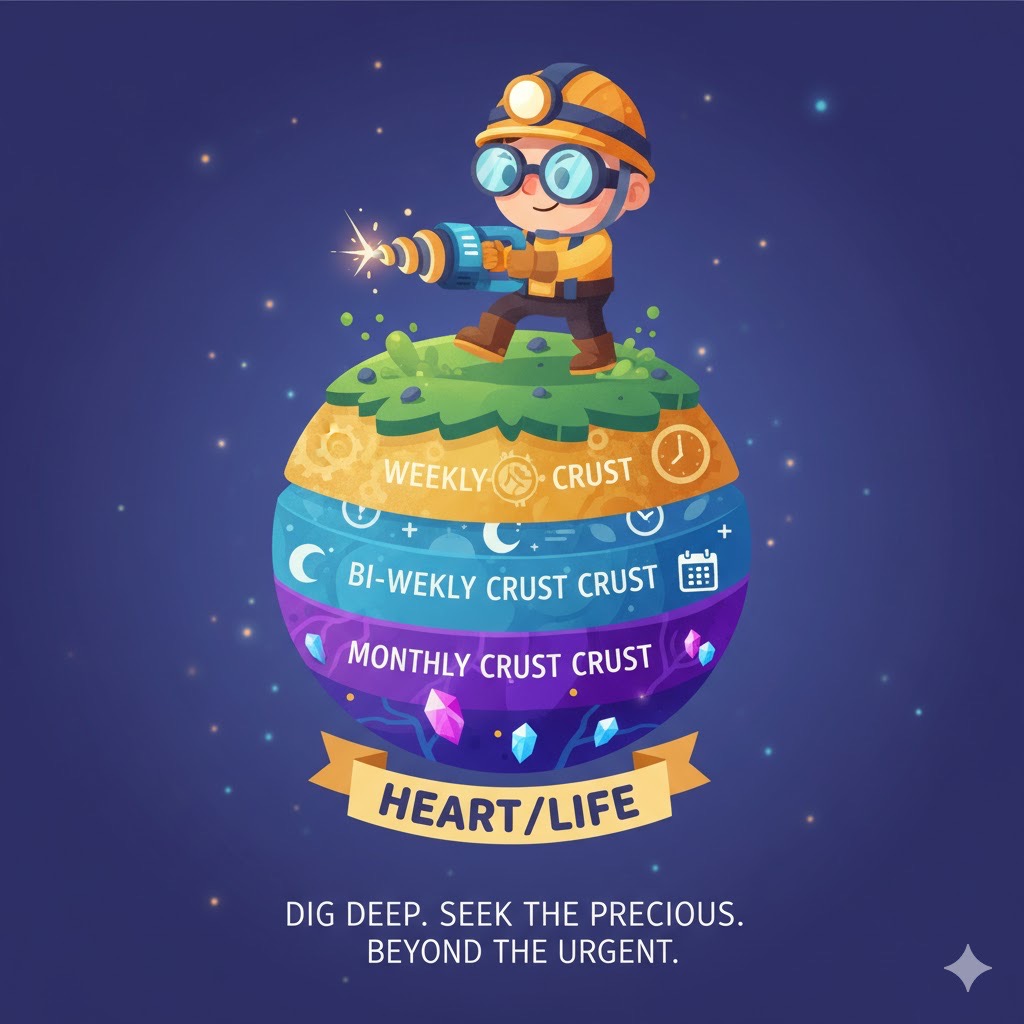
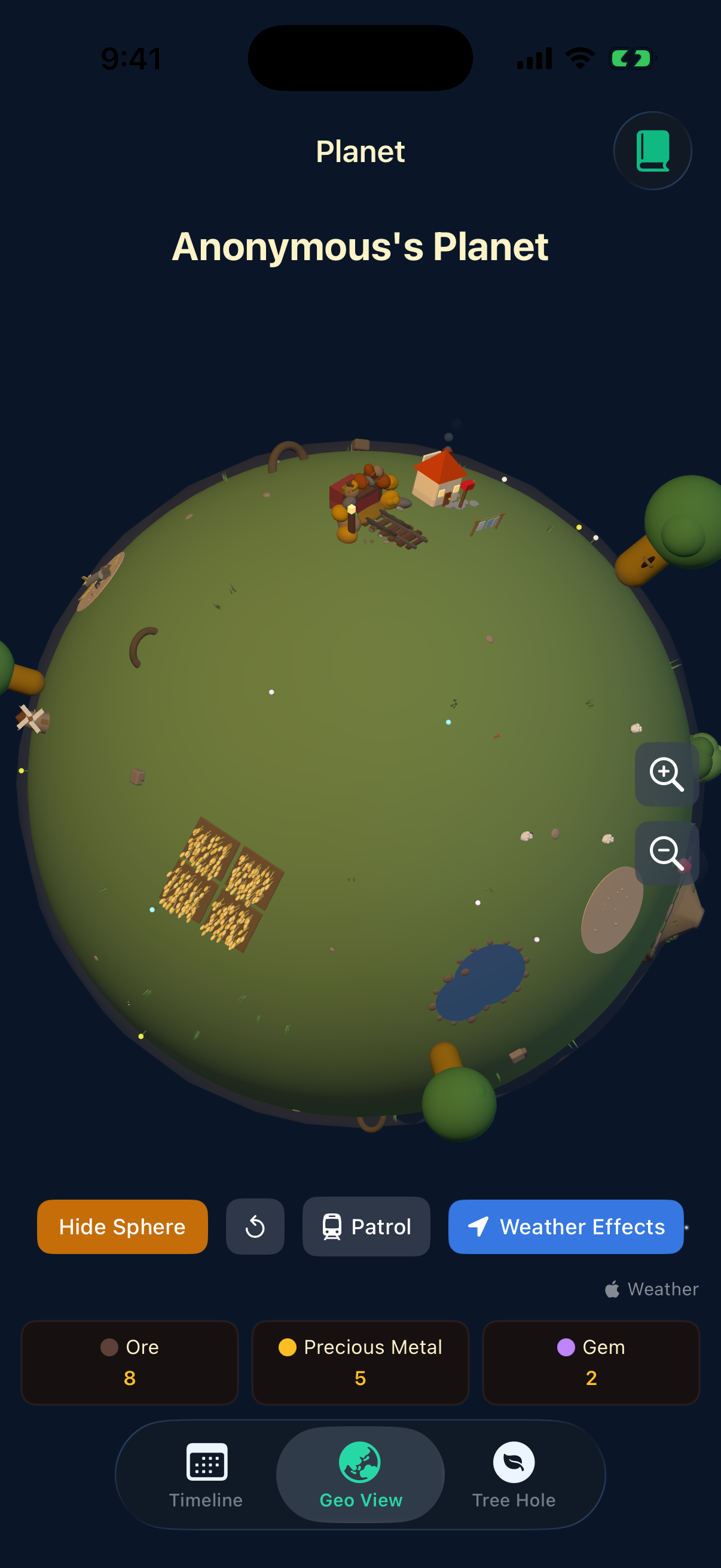
The metaphor of more important items sitting at deeper layers made me want to make it more visual, more tangible. The immediate association was excavation — digging through geological strata, mining.
Then came the question of implementation. Should I slightly curve each row of the spreadsheet? Add some perspective distortion?
I thought about the context of this life Gantt chart — solitary and introspective.
The image that came to mind was: on the surface of a planet’s crust, one person digging alone. And then it hit me — isn’t that the golden-haired boy who waters his rose and tames a fox?
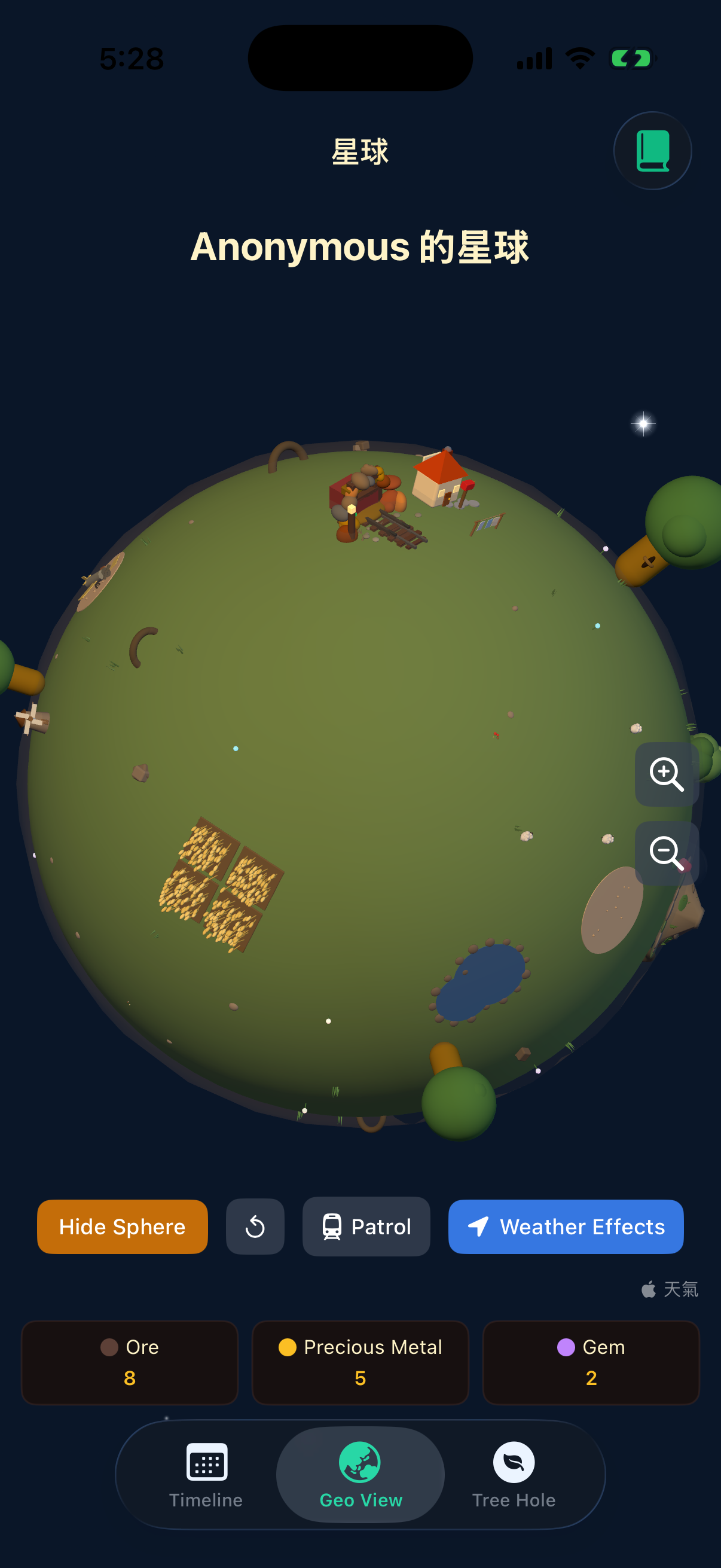
So I built a 3D version of the Gantt chart, using a mine shaft and gemstones as the visual representation of to-do items.
An even more radical approach would have been to keep only the planet version, but considering usability, review difficulty, and how intuitive it would be to understand, I decided to keep both views.
Still Missing a Desk#
Back when I was still in school, I spent a lot of time sitting properly at my desk, alone — either studying or writing.
Using and thinking about this life Gantt chart felt like it was bringing me back to that desk — the one that’s long been thrown away.
If I completed something I only do once every three months or once a year — or even a long-term goal —
I think I’d really want to write in a journal, or maybe write a letter to a close friend.
I realized this Gantt chart was still missing a final emotional outlet. But if I added social media sharing, users wouldn’t be able to be fully honest.
Another option was in-app messaging between users, but there would never — now or in the future — be enough installs to support that, or at least an Android version would need to be available too. Either way, it wasn’t necessary for the first version.
The most self-consistent solution I landed on was the most versatile one: a chatbot.
Feed the chatbot a bunch of literary classics and let it play the role of a “tree hollow” — a confidant — offering users some thoughtful feedback.
Final Thoughts#
So that’s the product development and decision-making behind this app.
It might look like I just kept changing direction until it was done, but in reality, there were tons of scrapped ideas and rejected features that I haven’t even mentioned.
Beyond giving curious friends a window into the kinds of considerations that go into product development,
the last thing I want to emphasize — and the answer to the title — is that the indie developer’s niche and consideration is: doing whatever the hell makes you happy!
I’m sure plenty of people will think this is too niche, or that it doesn’t match their taste or values.
But even so, with a bit of time and the help of AI, you can build the thing you want that doesn’t exist yet.
You get to be the boss — deciding what’s valuable and what’s worth building.
You get to be the designer — choosing your favorite layouts, colors, fonts, and images.
You get to be the PM — deciding how to write it and how complete the features need to be.
AI will only get stronger. Even if it can’t do everything today, in the foreseeable future, you’ll be able to enjoy all of this too.
The App Store is now the new-era personal homepage — everyone can publish their own story.
If you’re interested, follow this blog. I’ll keep sharing real experiences and reflections from publishing on the App Store.