Python Dimensions
A three-dimensional Python learning tool with an on-device AI tutor and a built-in Python 3.13 runtime.
Offline after setup
Whether you're starting from zero, preparing for TQC+, or heading toward CPE, Python Dimensions helps you build a solid programming foundation.
What matters is getting the learning rhythm right#
Most Python learning tools get stuck at two extremes. One side gives you fragmented questions; answering them still leaves you in the dark about where you’re actually weak. The other side drops you into a full IDE that tends to scare beginners off. Python Dimensions bridges those extremes, helping you first build reading ability, grammatical sense, and logical sense before pushing toward more complete coding capability.
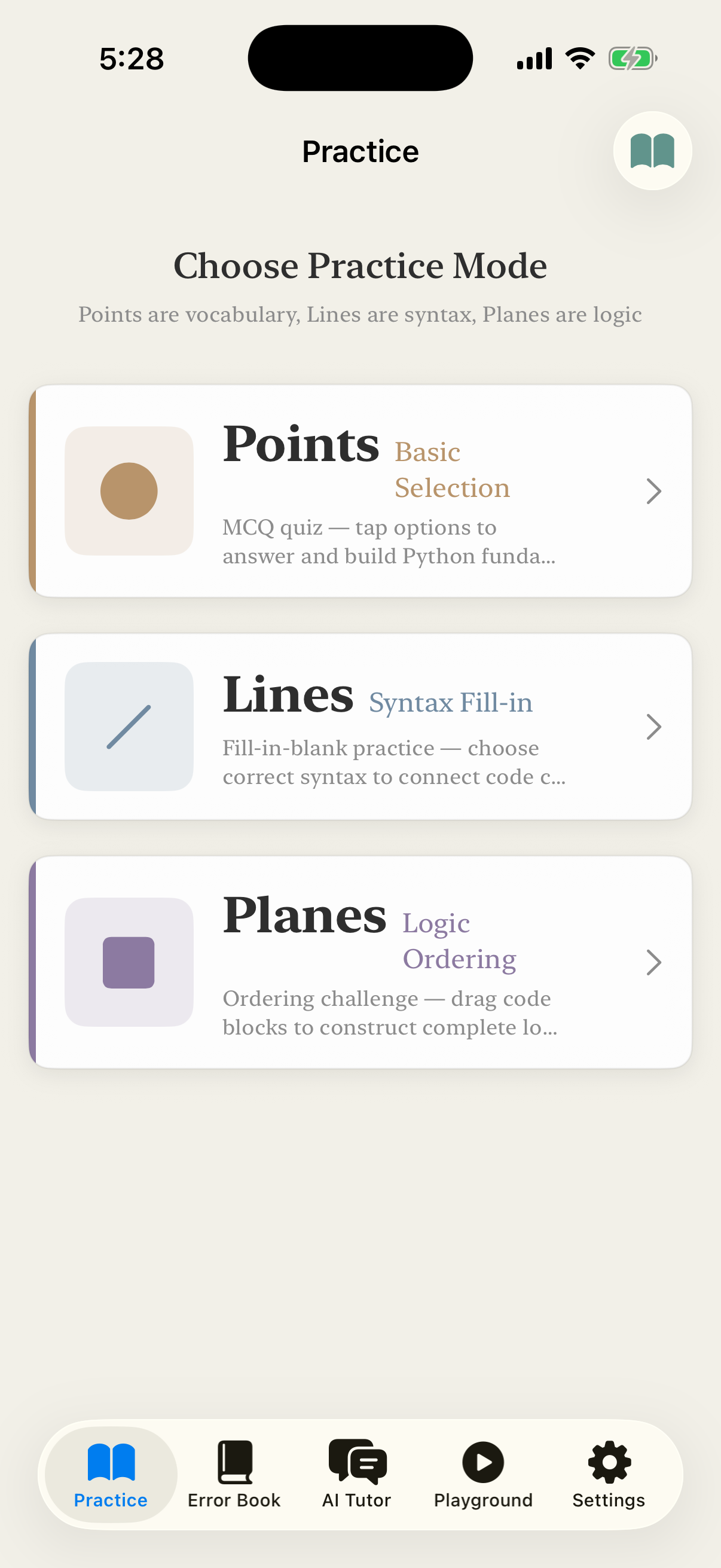
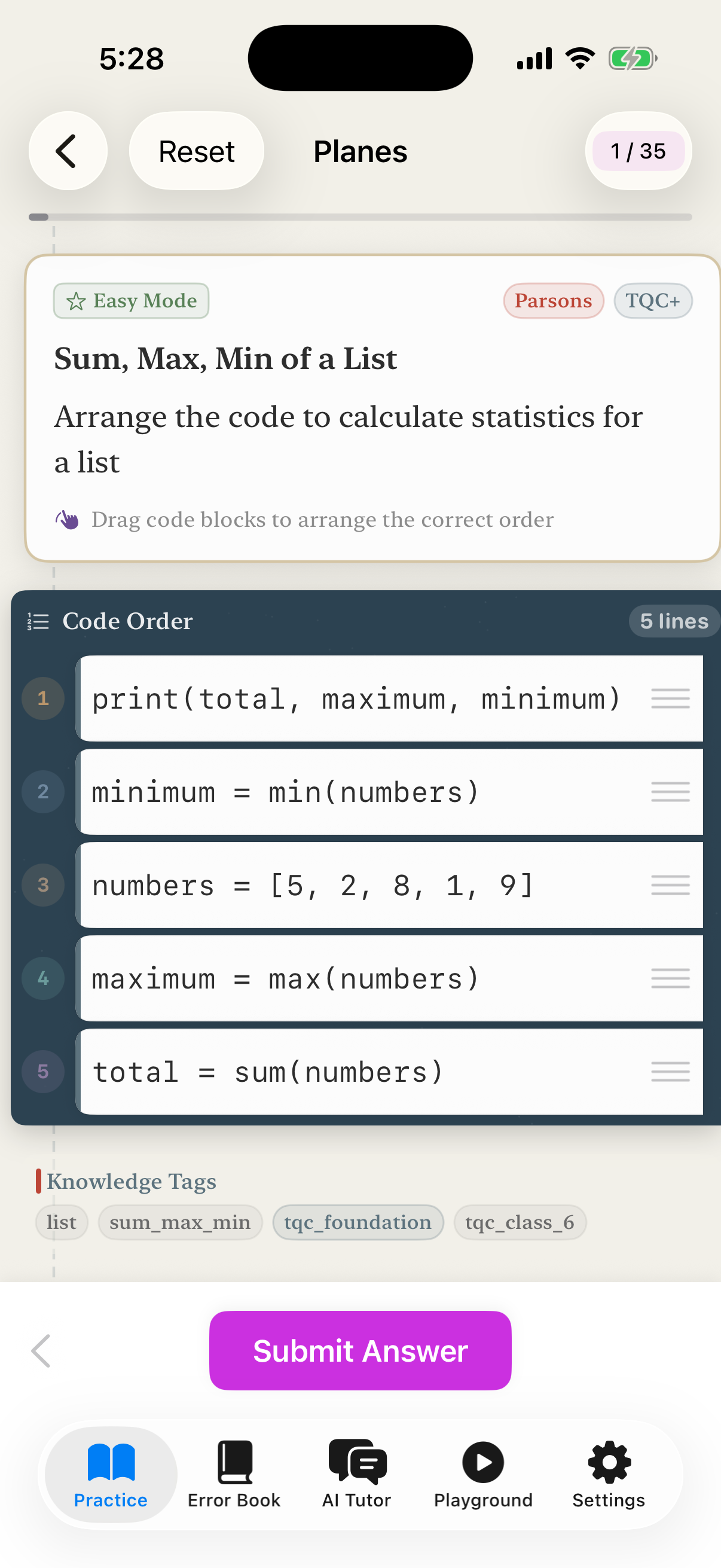
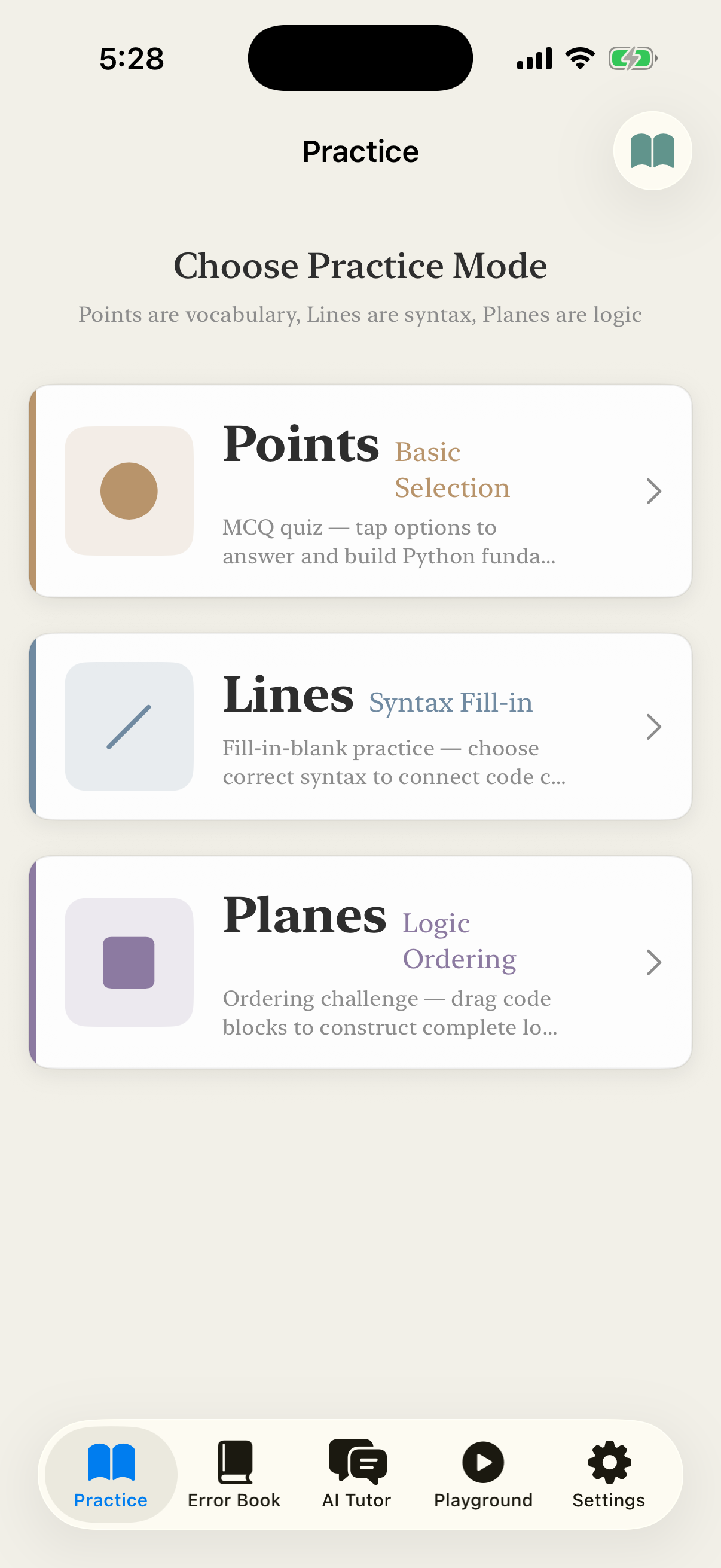
The core idea is less “do lots of questions” and more “break learning into three layers.” Points are vocabulary and concept recognition; Lines are syntax and local structure; Surfaces are complete program flow. This layering works for complete beginners and also for people who already know where they’re stuck and want an efficient way to patch gaps.
What situations it’s most useful for#
If you’re preparing for PCEP, TQC+, or CPE, the app is well suited to daily maintenance. You don’t need to open a laptop to get started; in 10 to 20 minute windows you can run through multiple-choice questions, fill in a few blanks, or re-sequence a program flow. That low friction matters more over the long run than intense burst study.
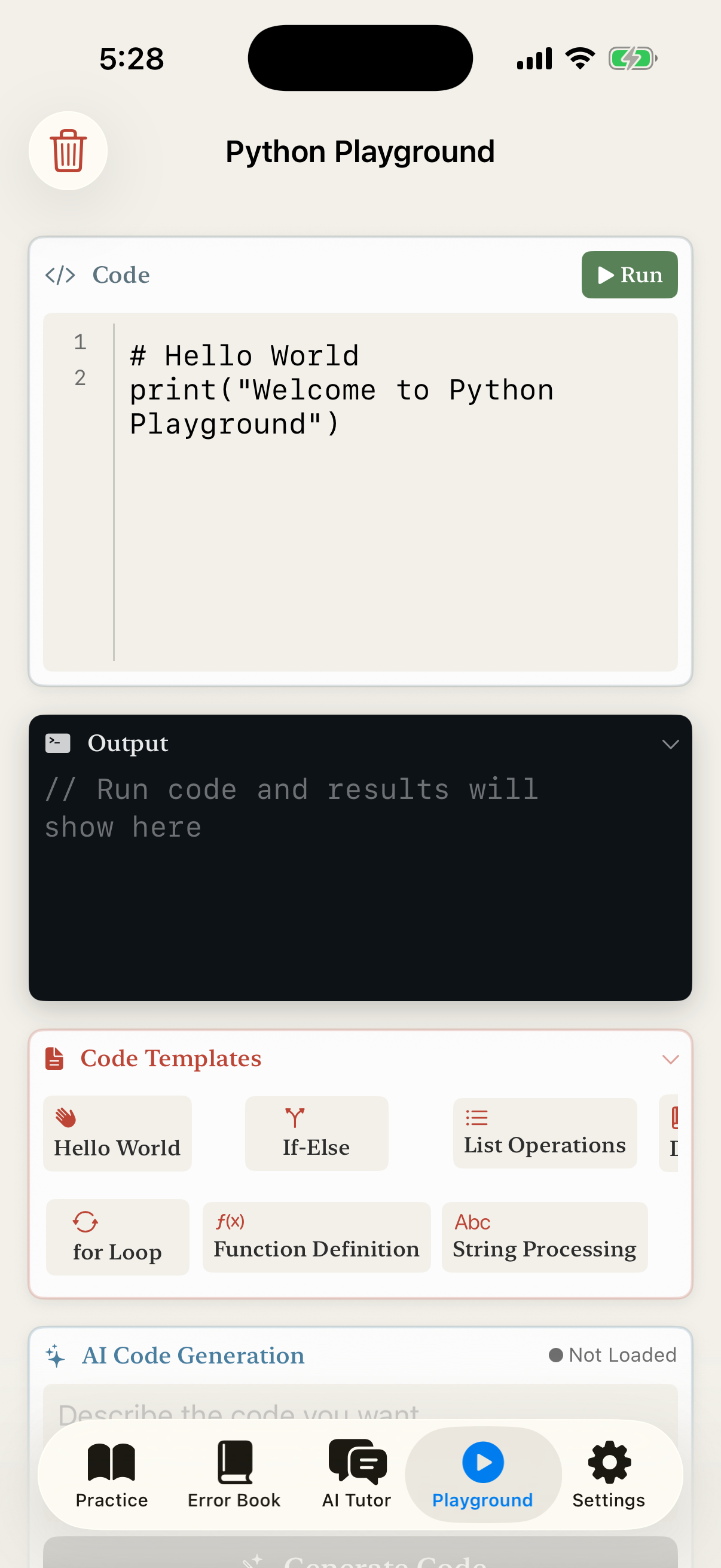
For self-taught beginners, the app also doesn’t behave like a machine that only reports right and wrong. You can use the question types to sketch the basic outline, then move into the playground to actually run code and understand why one variant works and another doesn’t. Knowledge stops living purely in memory and starts becoming your own judgement.
On-device AI here isn’t a gimmick#
“AI tutor” often triggers the question, “is this about to upload my content to the cloud?” Python Dimensions places AI in a useful role that doesn’t compromise privacy. When you answer incorrectly, it can hint based on the question’s context. When you want to confirm a syntax idea, you can just ask, instead of bouncing between search engines and forums.
Just as importantly, none of this requires handing your learning history to an external server. For students, that lowers the barrier to use. For teachers, parents, or anyone wary of data leakage, it turns the app into something closer to a long-term learning tool rather than a casual demo.
The AI layer also goes beyond “a chat model stuffed in for show.” The question bank, error context, context-aware retrieval, and a directly executable Python playground operate inside the same loop. You answer, ask, then run code to verify; when needed, capability analytics let you see whether you’re stuck at syntax, concepts, or program flow.
Why this app deserves a permanent place on your phone#
The learning tools people actually keep opening are the ones that sense when you’re about to give up, more than the ones packed with features. Python Dimensions gathers question training, AI hints, and an executable environment onto a single device. The point is to let you push forward a little, even in the moments you’d otherwise scroll away.
What actually moves the needle isn’t the rush of fifty problems in one sitting. It’s the three minutes you’re willing to open the app each day. Python Dimensions is built around those three minutes.
Quick Links
Head straight to the store, or read the support and privacy pages first.
Core Features
Screenshots