Kana Juku
A kana-learning tool built for Chinese native speakers, with a custom keyboard and on-device AI.
Works offline
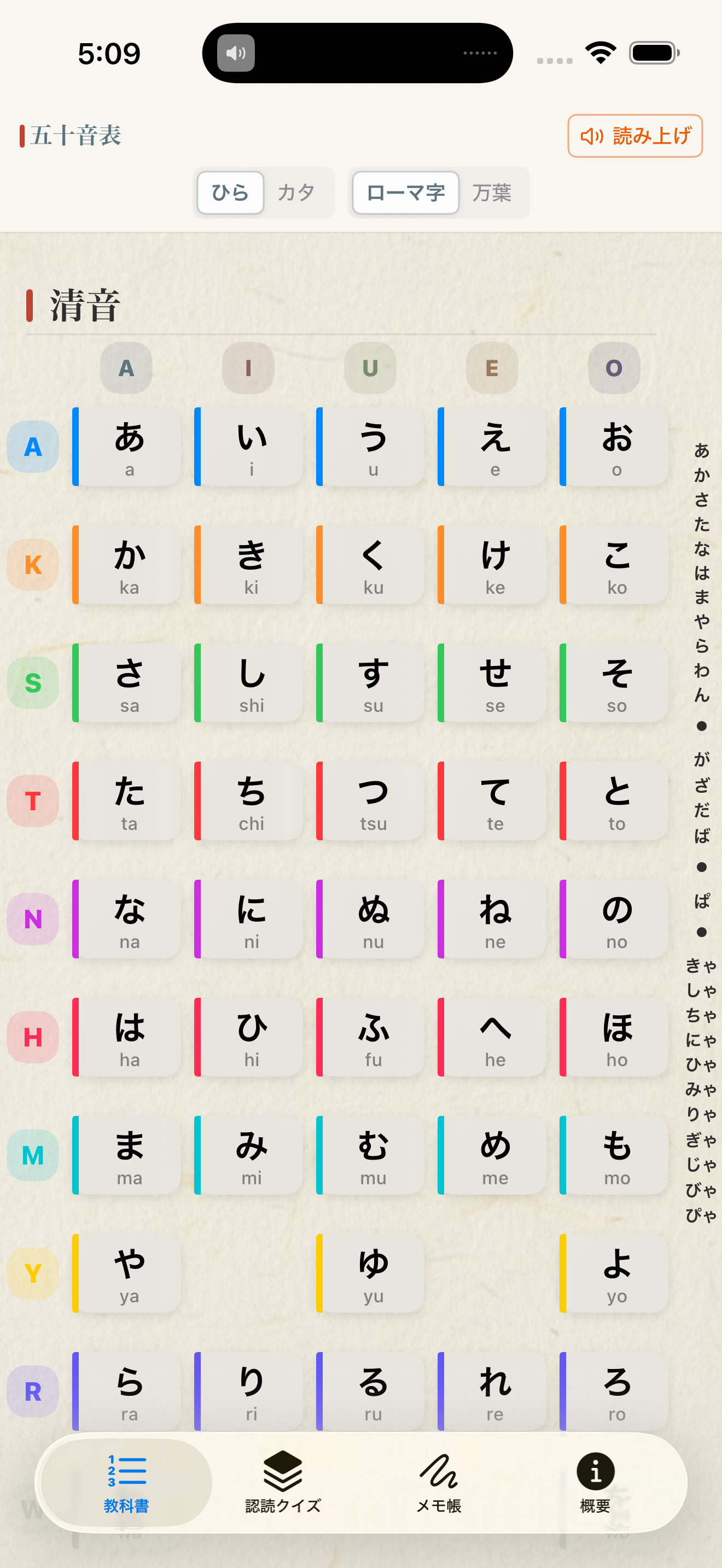
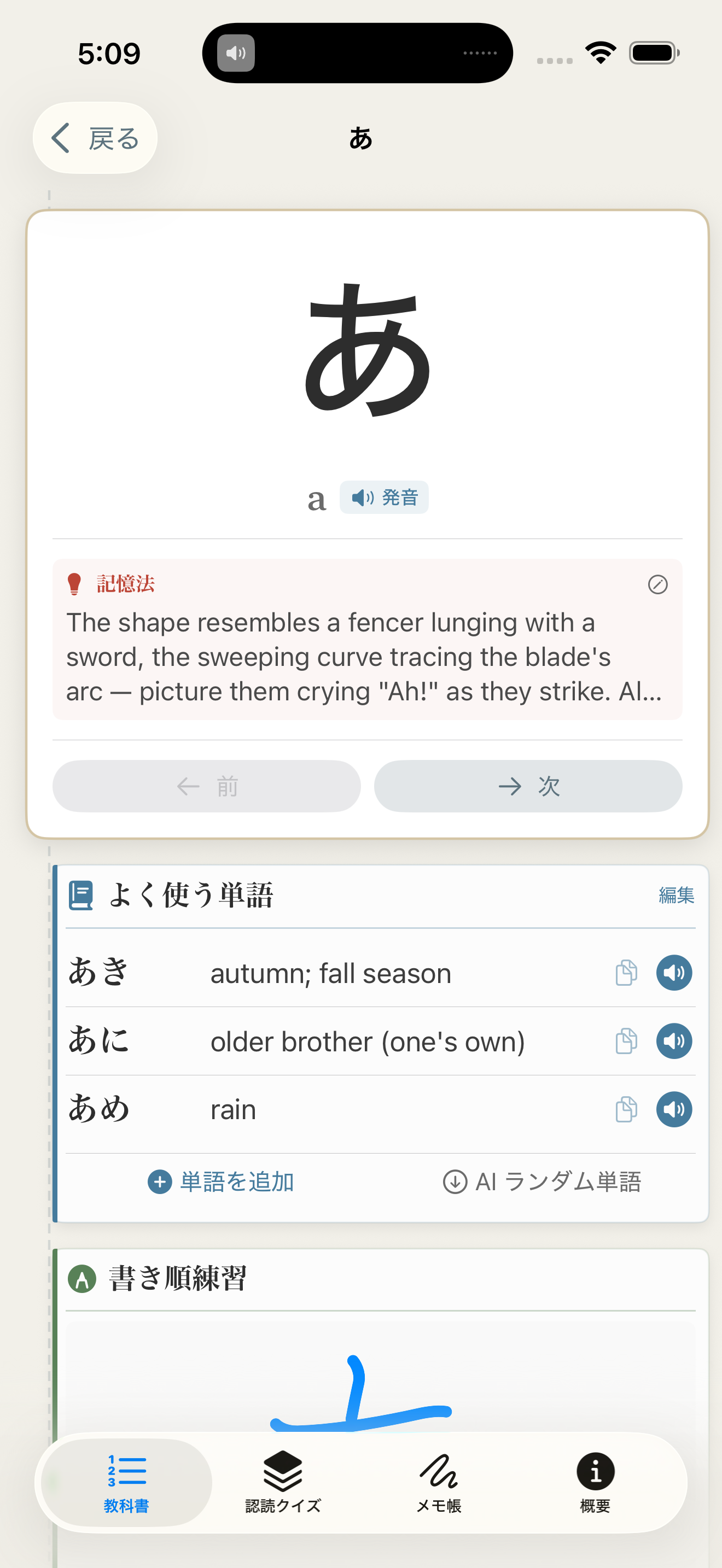
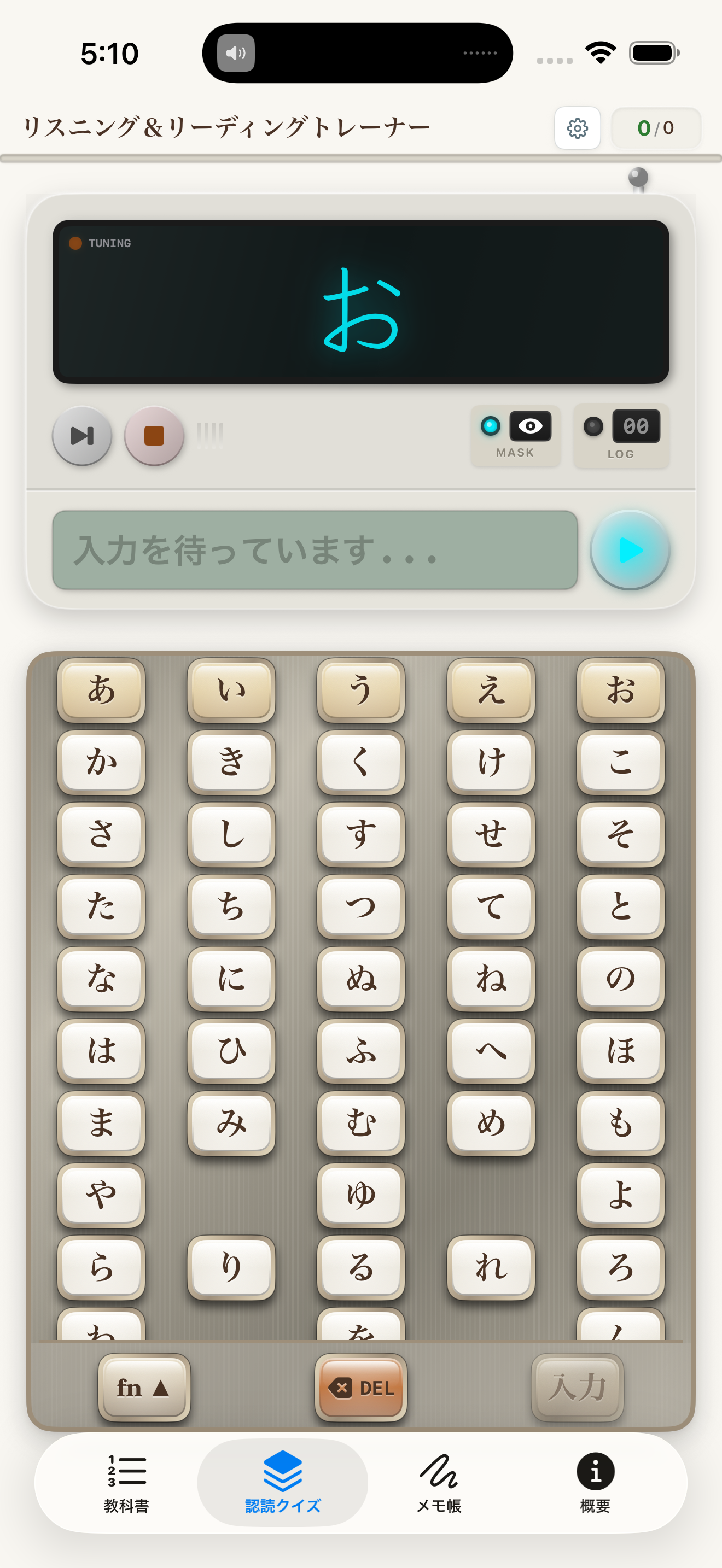
Kana Juku brings glyph shapes, stroke order, typing practice, and AI assistance together into a Japanese starter system tailored to Chinese learners.
Learning kana straight into your hands#
Most beginner Japanese materials quietly assume you’re willing to sit through a long “romaji transition period.” For native Chinese speakers, that’s usually the less natural path. You already have a strong sense of character form and stroke order, and you’re used to learning visually and through writing. Kana Juku starts from that premise and designs around it.
Rather than prettifying the hiragana/katakana chart, it connects “seeing the form, writing the form, typing the form, recognising the form” into a single loop. The payoff: you reach direct kana recognition sooner and rely on romaji as a crutch for less time.
Why this approach suits Chinese speakers in particular#
A Chinese speaker’s real advantage lies in a strong sensitivity to character structure and visual form, less so in pronunciation. Kana Juku amplifies that advantage. You memorise kana through handwriting, image recognition, a custom keyboard, and shape association, which makes learning feel like picking up a new script rather than grinding through rote repetition.
People who’ve quit halfway often did so because the tool’s angle didn’t match them, not because they didn’t try hard. Kana Juku’s job is to correct that angle.
A real doorway forward, not just a memorisation drill#
Memorising kana is only the starting line. The real challenge is turning it into input, recognition, and comprehension ability. That’s why the app goes beyond static drills and includes handwriting recognition, a custom keyboard, and AI assistance. What you’re building is muscle memory closer to how kana actually gets used.
The design suits two kinds of learners especially: people starting Japanese who want a low-pressure entry point, and people who learned before, forgot, and now want familiarity back. The first group needs to skip detours; the second needs to rebuild recognition. The app works for both.
Privacy and offline have practical weight here#
Language learning tools tend to drift toward content-platform behaviour over time. You feel like you’re learning, but you’re really being shuffled between recommendations. Kana Juku stays restrained. The focus sits on real input and recognition training, and both the local AI and data processing run on-device. You don’t have to trade your usage habits for a little learning convenience.
You don’t have to let romaji lead you through kana. Kana Juku shows you that entering through the shapes works too — and often gets you there faster.
Quick Links
Head straight to the store, or read the support and privacy pages first.
Core Features
Screenshots